Getting Started
WatchCron monitors your cron jobs and scheduled tasks using a Dead Man's Switch pattern. Your job pings a unique URL on each run. If a ping is missed, WatchCron alerts you immediately through your configured notification channels.
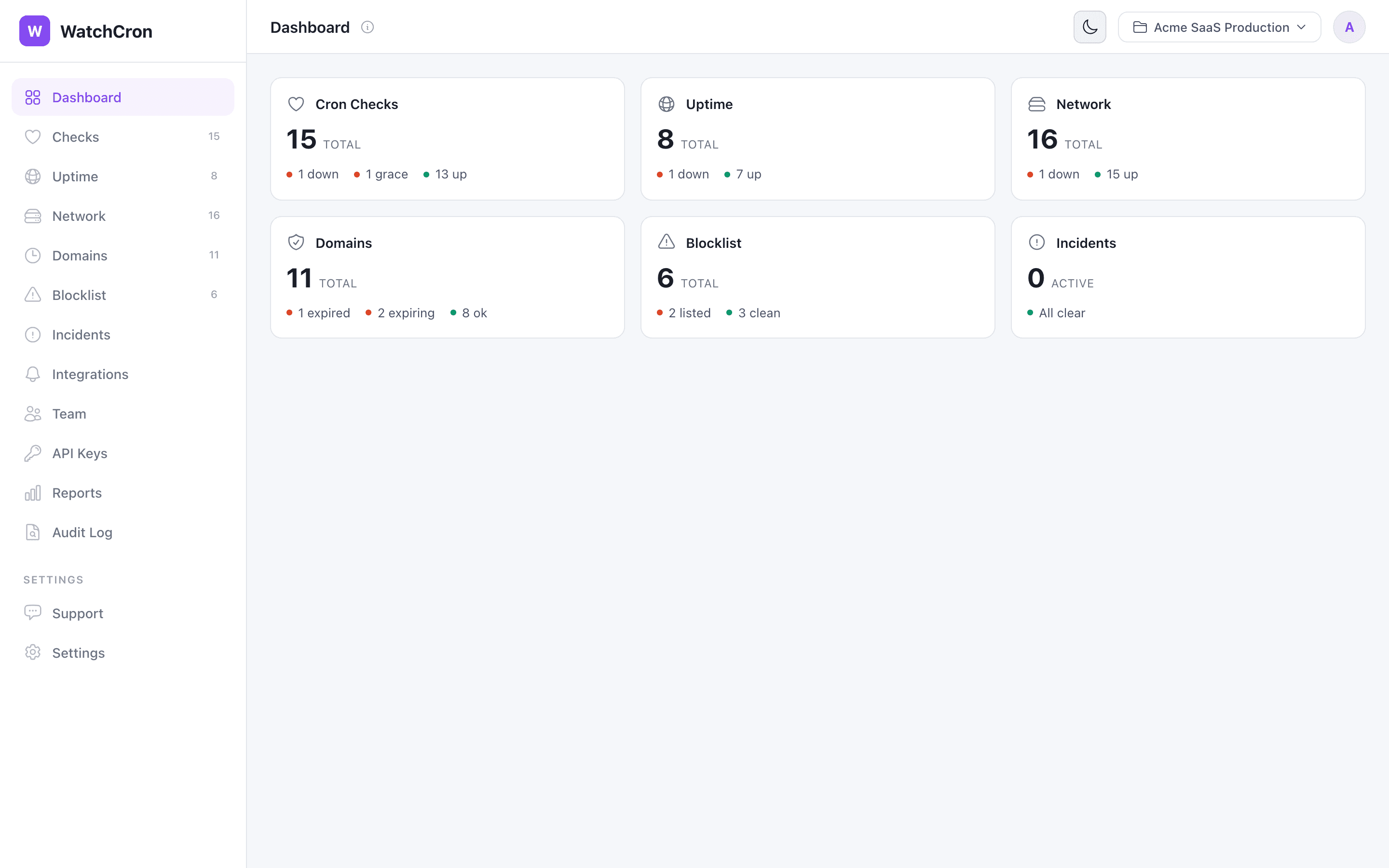
The dashboard gives you a single view of all your cron checks, uptime monitors, domains, and more.
Setting up monitoring takes less than a minute:
1
Create a check — Go to your dashboard and click "New Check". Give it a descriptive name (e.g., "Nightly DB Backup") and set the expected schedule. You can use a cron expression like
0 2 * * * or a simple period like "every 5 minutes".
2
Set the grace period — The grace period is extra time WatchCron waits before marking a check as "down". For example, if your backup takes up to 10 minutes to run, set a grace period of 15 minutes so normal run-time variance doesn't trigger false alerts.
3
Copy the ping URL — Each check gets a unique URL like:
https://watchcron.com/ping/your-uuid-here
4
Add the ping to your job — Append an HTTP request to the end of your script or task. See the integration examples below for your language or platform.
5
Set up notifications — Configure email, Slack, Telegram, or webhook channels in your project settings. Then assign them to your check so you get alerted when something fails.
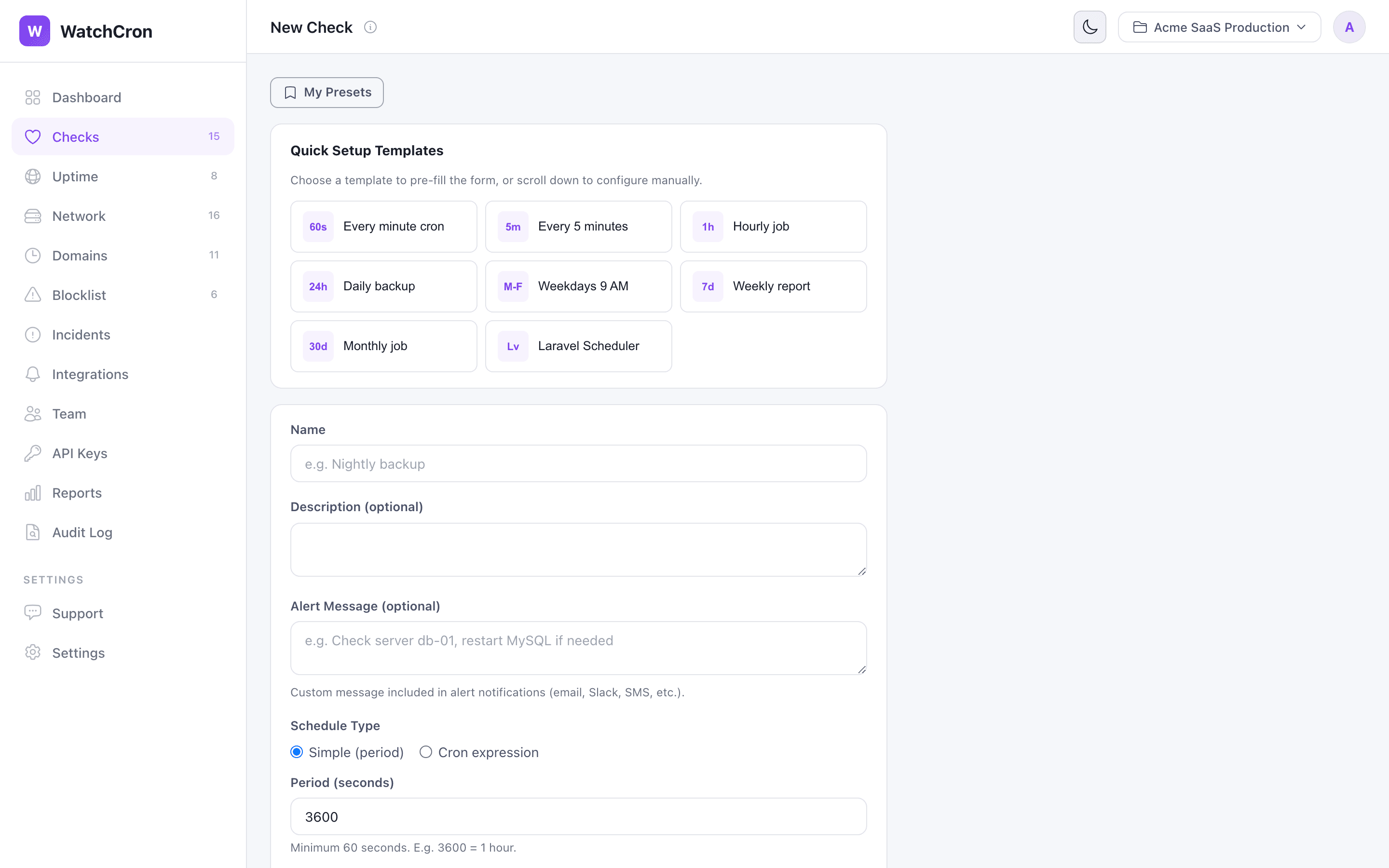
Quick Setup Templates let you configure a check in one click. Or scroll down to set everything manually.