
Every other check in WatchCron warns you about something you can fix. A domain that lapses is the one you might not get back. The renewal slips, the domain drops, and within hours a drop-catcher can grab it, taking your brand, your email, and every link that ever pointed at it along with it. Buying it back, if it's even for sale, runs orders of magnitude past the renewal you missed.
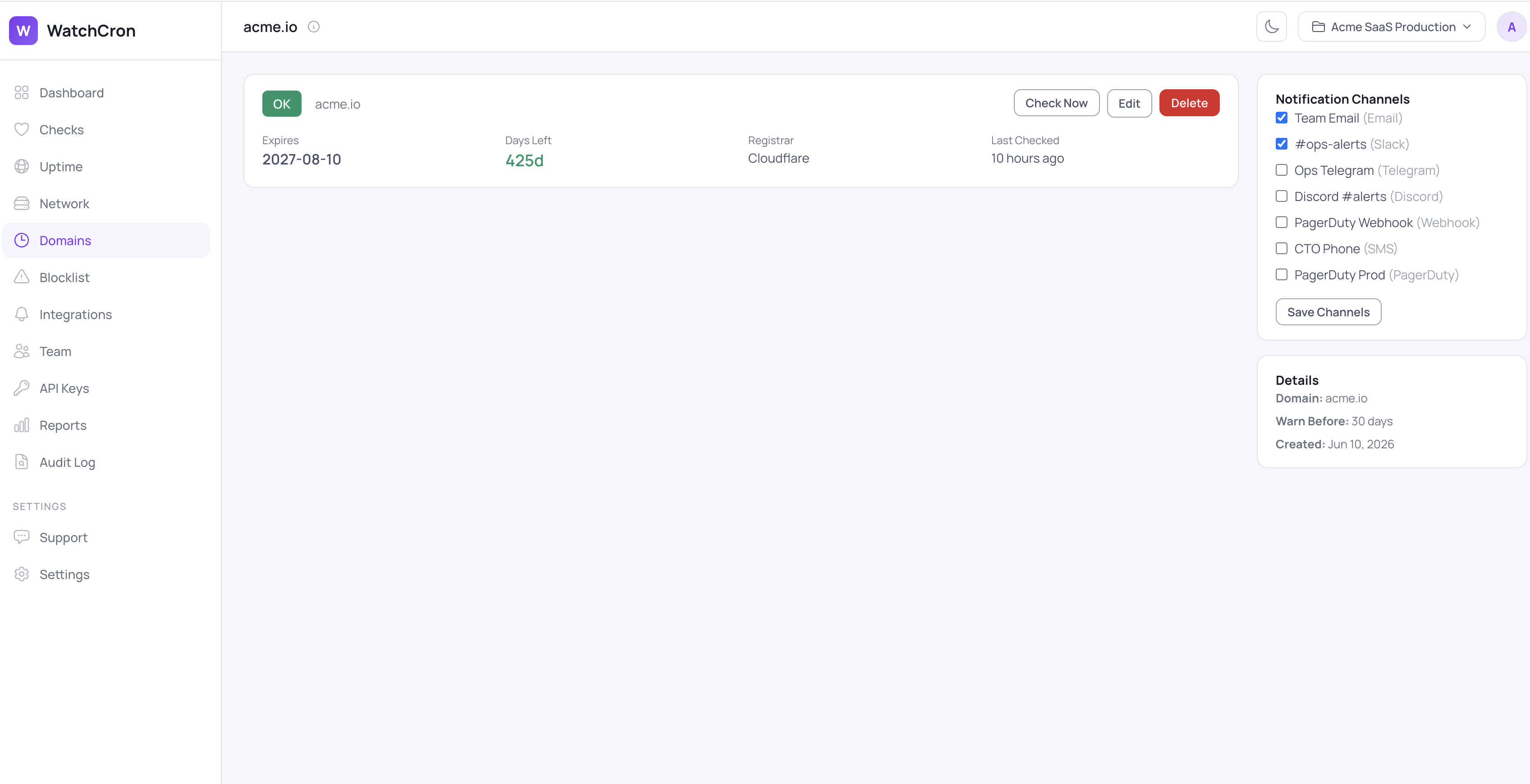
That's why a registration deadline deserves its own countdown, separate from whether the site is up and separate from the certificate on it. WatchCron watches that date for every domain you own and tells you while there's still time to renew.
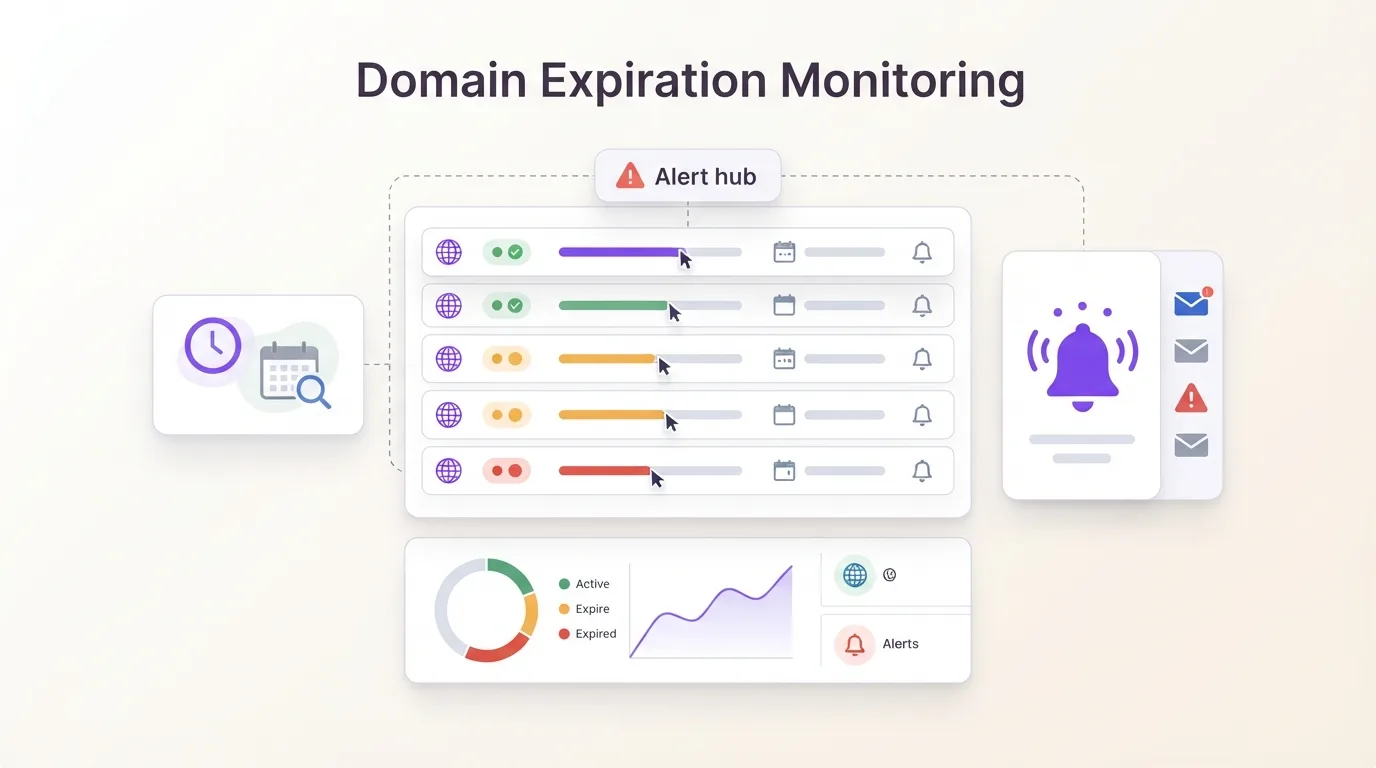
Nobody owns the renewal calendar
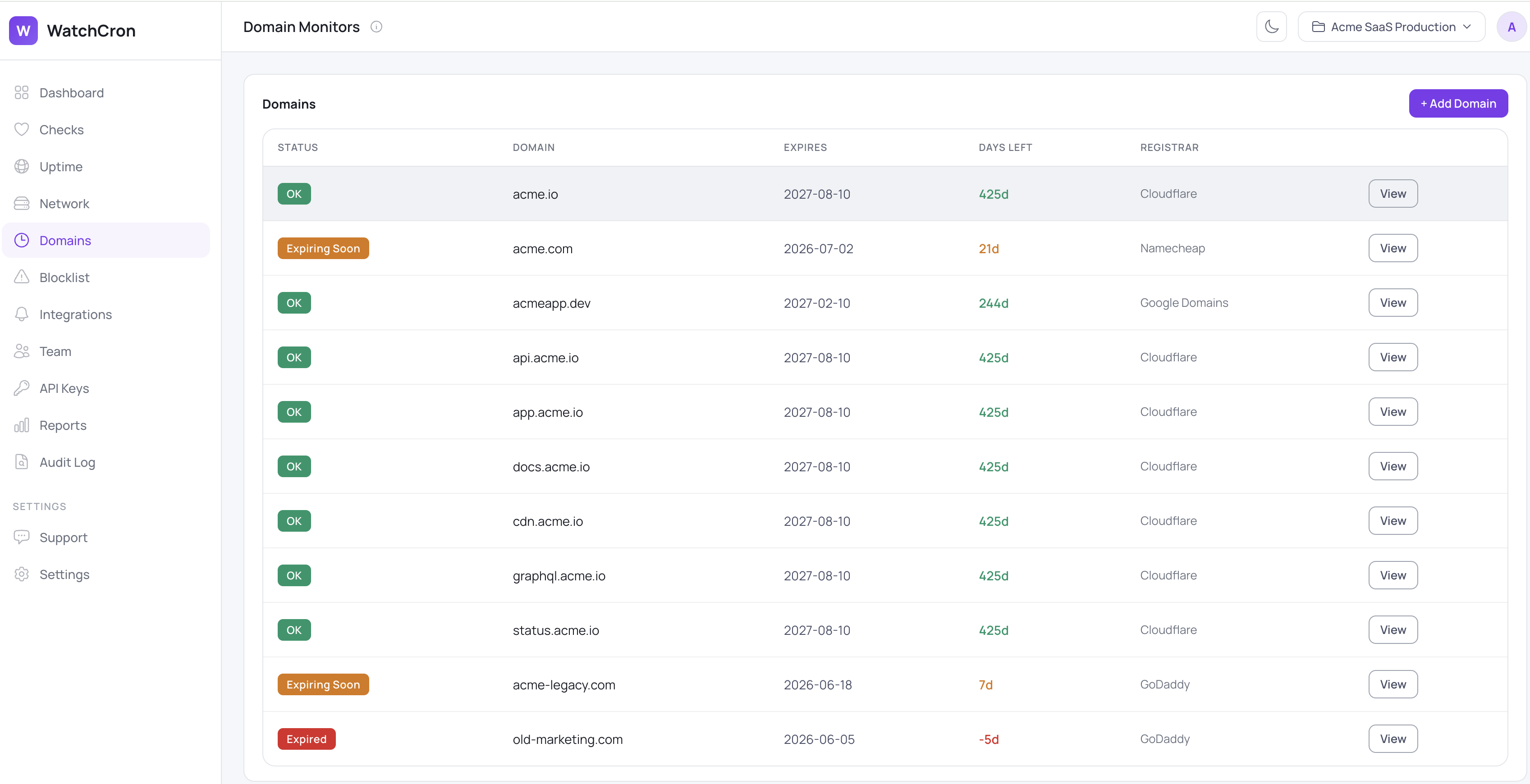
Domains pile up. A company registers the .com and the .io, the country variants, a couple of campaign domains, the obvious typo bought defensively, and they end up spread across Cloudflare, Namecheap, and GoDaddy depending on what was cheapest that year. Each registrar emails its own renewal notice to whatever address registered the domain, sometimes a shared inbox nobody reads, sometimes someone who left two years ago. No single place shows every domain and the day it expires, which is exactly how a domain goes quiet that nobody meant to drop.
WatchCron puts them all in one list, with the expiry date, the days left, and the registrar side by side, so the .com with three weeks on it isn't hiding behind the dozen that are fine.
Straight from WHOIS, no middleman
To find an expiry date, WatchCron queries WHOIS directly. It opens a connection to the registry's WHOIS server on port 43 and reads the response itself, with no third-party lookup service in between, so the list of domains you care about isn't being handed off to someone else's API. From the response it pulls the expiry date and the registrar, and it keeps the full raw WHOIS record, up to ten thousand characters, so you can read exactly what the registry returned rather than trusting a parsed summary. Paste a domain however you happen to have it, with https://, a www, or a trailing path, and it's trimmed down to the bare domain before the lookup runs.
Five states, and two alerts that matter
A domain monitor sits in one of five states, so a glance tells you whether it's fine, due, gone, or simply hasn't been read yet:
State | When | How it reads |
|---|---|---|
OK | More days left than your warning window | Green |
Expiring Soon | Inside the warning window | Amber |
Expired | Past the expiry date | Red |
Error | The WHOIS lookup failed | Red |
Unknown | Not checked yet, or the response couldn't be parsed | Grey |
The line between OK and Expiring Soon is a warning window you set, anywhere from 1 to 365 days and defaulting to 30, so a policy of "renew ninety days out" is a single number away. Two separate alerts fire on the way down, one the moment a domain crosses into Expiring Soon and another if it actually expires, each sent through the channels that monitor uses. Those are the same channels as everywhere else in WatchCron: email and webhooks on every plan including the free one, Slack, Telegram, Discord, and Microsoft Teams from Starter, SMS on Pro, and phone-call, PagerDuty, and OpsGenie on Business. And because a domain isn't a check in the usual sense, it doesn't count against your check limit, so you can watch an entire portfolio on any plan.
What it watches, and what it leaves alone
The check answers one question on purpose: when does the registration expire. It reads the expiry date and the registrar and deliberately stops there, so it won't tell you a domain has been put on clientHold or slipped into a redemption period, and it doesn't track nameservers or ownership changes. It keeps only the latest result rather than a history, so there are no trend charts here. Lookups run twice a day on a fixed schedule you can't change, though a Check Now button forces an immediate one when you need it. Querying a large portfolio at once can bump into a WHOIS server's own rate limits, and a few exotic country-code TLDs publish formats the parser doesn't recognise, which surface as Unknown rather than as a confidently wrong date. One more, worth setting expectations on: each alert is sent once on the status change, with no daily reminder afterward and no acknowledge button, so the first notification is the one that counts.
A domain's expiry is one of three clocks that run down silently and on separate calendars. The certificate on the domain is SSL certificate monitoring's job, the DNS records that point the domain somewhere are a DNS check inside network monitoring, and the registration itself is this. Any one of them lapsing can take you offline, which is the case for watching all three. The docs cover setup, and the comparison of monitoring types maps out where each one fits.
Don
Track every domain you own from one list and get warned with weeks to spare, straight from WHOIS. The free plan covers it with email and webhook alerts, and domains never count against your check limit.