
UptimeRobot is probably the first monitoring tool most developers try. Fifty free monitors, a clean interface, and it just works for checking whether a website is up. WatchCron started from the other end, cron job monitoring, and built outward into uptime, port, SSL, domain, blocklist checks, status pages, and incident management. This comparison lays out what each tool actually does well, where each falls short, and which one fits your setup.
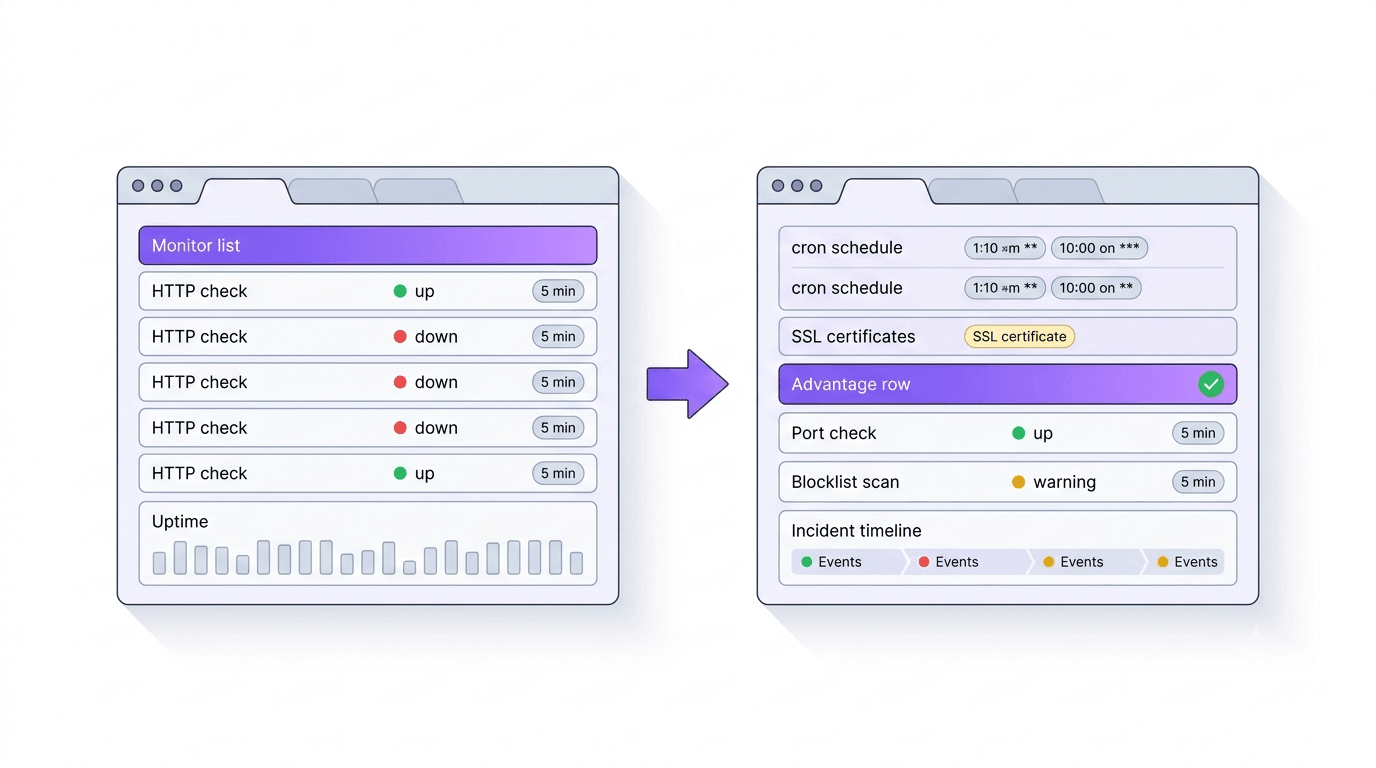
Feature comparison: monitoring types, alerts, and reporting
| Capability | WatchCron | UptimeRobot |
|---|---|---|
| HTTP / uptime monitoring | Yes | Yes |
| Cron / heartbeat monitoring | Yes (all plans incl. free) | Paid plans only |
| Keyword monitoring | No | Yes |
| Port monitoring | Yes (TCP, UDP, DNS, ICMP) | Yes (TCP only) |
| SSL certificate monitoring | Yes | Yes |
| Domain expiration monitoring | Yes | Yes |
| DNS record monitoring | Within port monitors | Yes (dedicated) |
| Blocklist / DNSBL monitoring | Yes | No |
| Public status pages | Yes | Yes |
| Incident management | Yes (standalone workflow) | No |
| Maintenance windows | No | Yes |
| Mobile app | No | Yes (iOS + Android) |
| Notification channels | 10 (email, Slack, Telegram, Discord, Teams, SMS, voice, webhooks, PagerDuty, OpsGenie) | 12 (email, Slack, Telegram, Discord, Teams, SMS, voice, webhooks, PagerDuty, Google Chat, Pushover, Pushbullet) |
| SMS / voice billing | Flat (included in plan) | Per-credit ($3/10 credits, purchased separately) |
| PDF & CSV reports | Yes | No (email summaries on Team+) |
| API & status badges | Yes | Yes |
| Multi-location checks | Yes | Yes |
| Two-factor authentication | Yes (TOTP) | Yes |
Where UptimeRobot has the edge
The free plan is generous on monitor count: 50 monitors at no cost, compared to WatchCron's 20. If you're running personal projects and just need to know when a site goes down, 50 monitors with 5-minute checks covers a lot of ground. One important caveat: since December 2024, UptimeRobot's free plan explicitly prohibits commercial use. If you're monitoring client sites or business infrastructure on the free tier, you're technically in violation of their terms.
The mobile app is a genuine advantage. Native iOS and Android apps with push notifications mean you get paged directly on your phone without routing through Slack or Telegram first. WatchCron doesn't have a . You rely on push notifications from whichever channel you've configured, which works but adds a step.
Maintenance windows let you pause monitoring during planned deployments or migrations, and the downtime doesn't count against your uptime percentage. This matters for teams that track . A 2 AM deployment shouldn't show up as an outage in your reports. WatchCron doesn't have maintenance windows yet.
Keyword monitoring is another feature WatchCron lacks. UptimeRobot can check whether specific text appears (or doesn't appear) on a page, catching scenarios where a site returns HTTP 200 but shows an error message or a "coming soon" placeholder instead of real content. It's a simple addition to HTTP monitoring, but it catches a class of failures that pure status-code checks miss.
UptimeRobot has also been around since 2010. Sixteen years of uptime data, a mature API (v3), and a large user base mean well-tested infrastructure and plenty of community resources, tutorials, and third-party integrations.
Where WatchCron goes further
The biggest difference shows up on the free plan: UptimeRobot doesn't include cron job monitoring there. If you have a nightly database backup, an hourly report generator, or a queue worker that should ping every five minutes, you need a paid UptimeRobot plan for heartbeat checks. WatchCron includes heartbeat/cron monitoring on every plan, free tier included, with 20 checks.
Blocklist monitoring is something UptimeRobot doesn't offer at all. If your mail server IP or domain lands on a DNSBL, email deliverability drops before , and by then the damage is done. WatchCron scans multiple blocklists on a schedule and alerts you the moment a listing appears.
Incident management is another gap. When something breaks, UptimeRobot shows it's down. WatchCron lets you open an incident, post timestamped updates (investigating → identified → monitoring → resolved), and notify status page subscribers by email. It's a proper incident workflow, not just a red dot on a dashboard.
SMS and voice call billing is where the pricing models diverge sharply. On UptimeRobot, SMS and voice alerts cost extra on . You buy credit packs ($3 for 10 credits), and a single SMS to some countries costs up to 5 credits. A team that gets paged regularly can burn through credits fast. WatchCron bundles SMS into the Pro plan and voice calls . Flat monthly price, no per-message accounting.
Reporting is the last major difference. WatchCron generates uptime reports over 7-, 30-, and 90-day windows, exportable as PDF or CSV, shareable via public links. UptimeRobot provides email summaries on Team plans and above, but there's no downloadable report you can attach to an SLA review or hand to a client.
Pricing: what you actually pay
| WatchCron | UptimeRobot | |
|---|---|---|
| Free tier | 20 checks, 1 member, cron monitoring included, commercial use OK | 50 monitors, 5-min interval, no cron/heartbeat, no commercial use |
| Entry paid plan | Starter — $7/mo, 75 checks, 3 members | Solo — $8/mo, 10-50 monitors, 1 seat |
| Mid-tier | Pro — $19/mo, 250 checks, 10 members, + SMS | Team — $34/mo, 100 monitors, 3 seats |
| Top tier | Business — $49/mo, 1,000 checks, unlimited members | Enterprise — $64/mo, 200+ monitors, 5 seats |
| Port/domain monitors | Unlimited (don't count against limits) | Count as monitors |
| Extra team seats | Included in plan | $15-19/seat/month |
| SMS alerts | Included from Pro | $3/10 credits (all plans) |
| Voice call alerts | Included on Business | $3/10 credits (all plans) |
At first glance, UptimeRobot's free plan looks like the : 50 monitors versus 20. But the free tier doesn't include cron monitoring, restricts check intervals to 5 minutes, and blocks commercial use. If you're monitoring anything beyond personal side projects, you're looking at paid plans on both sides.
On paid plans, the math favors WatchCron for teams. UptimeRobot's Team plan gives you 100 monitors and 3 seats for $34/month, with extra seats at $15-19 each. A 10-person team on UptimeRobot Team pays $34 + 7 × $15 = $139/month for 100 monitors. On WatchCron Pro, 10 members and 250 checks cost $19/month — no per-seat math, and SMS is included.
The SMS credit model adds up too. Ten credits cost $3, and a single SMS to some countries consumes multiple credits. A team that gets 20 alerts a month might spend $6-12 on SMS alone. WatchCron bundles SMS into the plan price . You don't track credits or worry about running out mid-incident.
Pricing as of June 2026, based on UptimeRobot's public pricing page.
The commercial use question
This is worth spelling out because it catches people off guard. Since December 2024, UptimeRobot's Terms of Service explicitly state the free plan is for personal, non-commercial use only. Monitoring your company's production servers, your client's websites, or any revenue-generating infrastructure on the free tier violates those terms. UptimeRobot has started . Accounts flagged for commercial use on the free plan get suspended or prompted to upgrade.
WatchCron's free plan has no commercial-use restriction. Twenty cron checks with email and webhook alerts, usable for : personal projects, client sites, production infrastructure. It's a smaller number of monitors than UptimeRobot's 50, but you can actually use them for business without worrying about a terms violation mid-quarter.
Switching from UptimeRobot to WatchCron
UptimeRobot and WatchCron both monitor URLs by polling them at intervals, so the concepts map directly. The main work is recreating your monitors. There's no export/import, but the setup is manual rather than complex.
- Create a WatchCron account and project. Sign up free: 20 checks, no card required. If you need more, Starter starts at $7/month.
- Recreate your uptime monitors. For each UptimeRobot HTTP monitor, create a WatchCron HTTP check with the same URL and desired interval. Port monitors transfer the same way.
- Move your heartbeat/cron monitors. If you're using UptimeRobot's heartbeat monitoring, create equivalent cron checks in WatchCron and swap the ping URLs in your crontab or application code.
- Set up notification channels. Configure Slack, Telegram, email, or whichever channels your team uses. Channels are . Set once, every monitor inherits.
- Add what UptimeRobot couldn't cover. Set up blocklist monitors for your mail server IPs, create a status page, and configure incident management for your team's on-call workflow.
Most migrations take under an hour. The biggest time sink is re-entering URLs if you have dozens of monitors. There's no bulk import on either side, so it's a manual process.
Which tool fits your setup?
Pick UptimeRobot if you want a mature, well-established uptime monitoring tool with a mobile app, maintenance windows, and keyword checks. The free plan works well for personal projects (remember the commercial-use restriction), and the platform has been reliable for sixteen years.
Pick WatchCron if you're looking for an UptimeRobot alternative that covers cron jobs alongside websites, need blocklist or incident management, want SMS and voice alerts without per-credit billing, or need PDF reports for SLA documentation. The flat pricing with included team seats makes it cheaper for teams, and port/domain monitors are unlimited on every plan, including the free one. Cron monitors support full cron expressions with a "Next 5 runs" preview, and you can acknowledge alerts from email without logging in.
Full-stack monitoring, flat pricing
Cron monitoring on the free plan, 7 monitor types, SMS included from Pro. No per-credit billing. Port and domain monitors are unlimited on every plan.