Notification Channels
WatchCron supports multiple notification channels. Configure them in your project settings under Alert Channels, then assign them to individual monitors.
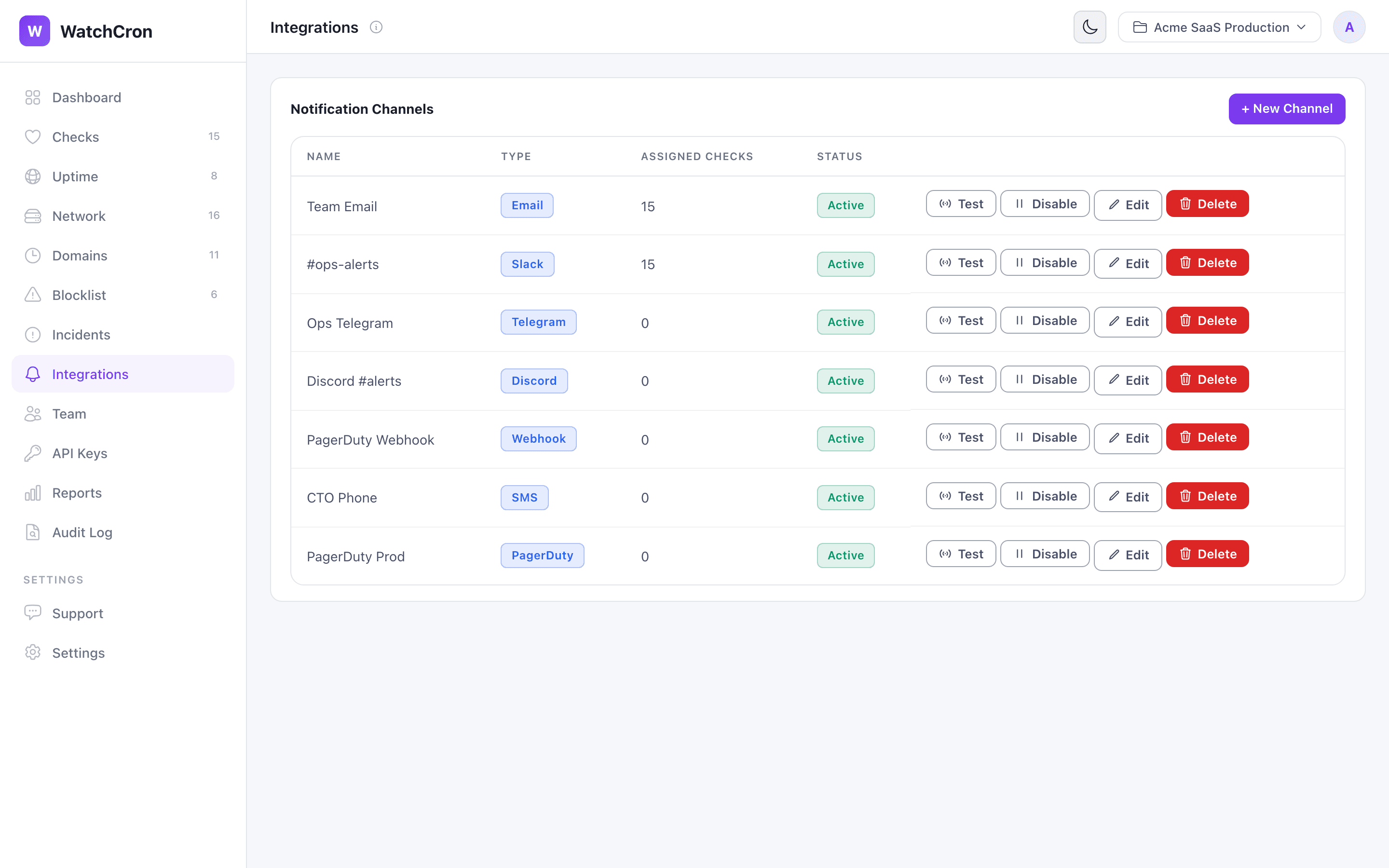
Sends an email notification to the specified address when a check changes status. Emails include the check name, old and new status, and a direct link to the check details.
Email Address: [email protected]
Slack
Posts a color-coded message to a Slack channel via Incoming Webhook. Messages include the check name, status change, and a timestamp.
Webhook URL: https://hooks.slack.com/services/T.../B.../xxx
To set up:
- Go to api.slack.com/apps and create a new app.
- Enable Incoming Webhooks and add one to your workspace.
- Select the channel where alerts should appear.
- Copy the webhook URL and paste it into WatchCron.
Telegram
Sends a formatted message to a Telegram chat via Bot API. Supports both private chats and group chats.
Bot Token: 123456:ABC-DEF...
Chat ID:   -1001234567890
To set up:
- Message @BotFather on Telegram and create a new bot.
- Copy the bot token.
- Add the bot to your group chat (or start a private chat with it).
- To get the chat ID, send a message in the chat, then visit
https://api.telegram.org/bot<TOKEN>/getUpdatesand look for thechat.idfield.
Pushover
Sends push notifications to your phone or desktop via the Pushover service. Requires a Pushover account and the app installed on your device.
User Key: your-30-character-pushover-user-key
To set up:
- Create an account at pushover.net and install the app on your device.
- Copy your User Key from the Pushover dashboard.
- Paste it into WatchCron — no API token needed, we handle that on our side.
Google Chat
Posts alert messages to a Google Chat space via an incoming webhook.
Webhook URL: https://chat.googleapis.com/v1/spaces/.../messages?key=...&token=...
To set up:
- In Google Chat, open the space where you want alerts.
- Go to Apps & integrations → Webhooks → Create.
- Copy the webhook URL and paste it into WatchCron.
Ntfy
Sends push notifications via ntfy.sh, a free and open-source notification service. Works with the ntfy app on Android, iOS, or as a web notification.
Topic URL: https://ntfy.sh/your-topic-name
To set up:
- Install the ntfy app or subscribe to your topic in a browser.
- Pick a unique topic name at ntfy.sh (or use your own ntfy server).
- Paste the full topic URL into WatchCron.
Webhook
Sends a JSON POST request to any URL you specify. This is the most flexible option — use it for your own custom integrations or any service that accepts incoming webhooks.
{
  "check": "Nightly Backup",
  "status": "down",
  "previous_status": "up",
  "changed_at": "2026-03-22T10:30:00Z",
  "project": "Production",
  "ping_url": "https://watchcron.com/ping/a1b2c3d4-..."
}