
Pingdom was the default answer to "how do I monitor my website?" for over a decade. It's still a capable uptime tool with real strengths in real user monitoring and transaction checks. But the product has changed hands twice, lost its free plan, killed its mobile apps, and never added cron job monitoring. WatchCron covers cron jobs, uptime, ports, SSL, domains, blocklists, status pages, and incidents, on flat plans that don't charge per monitor. If you're evaluating a Pingdom alternative, or just comparing your , this page walks through what each tool actually does in 2026 so you can decide which one fits.
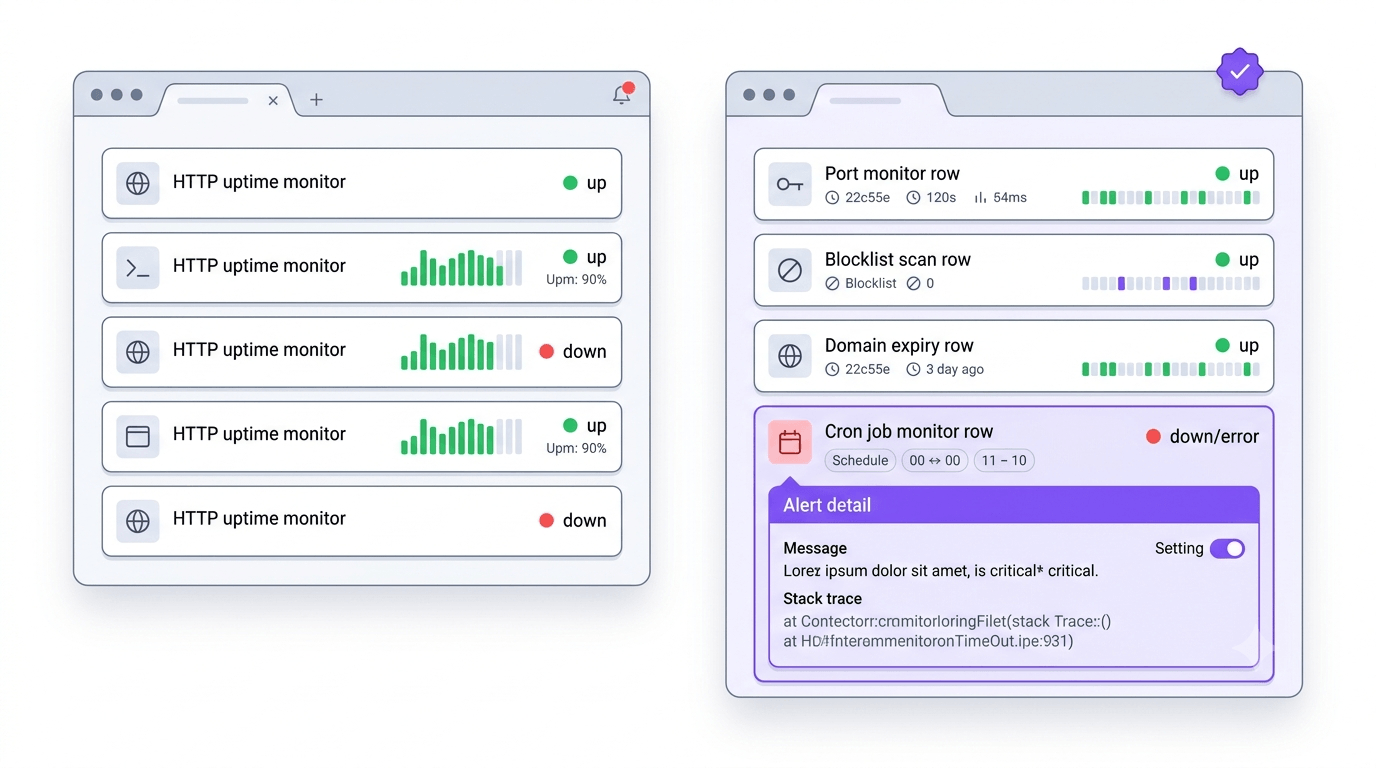
Feature comparison: what each tool monitors and how it alerts
| Capability | WatchCron | Pingdom |
|---|---|---|
| HTTP / uptime monitoring | Yes | Yes |
| Cron / heartbeat monitoring | Yes (all plans incl. free) | No |
| Real user monitoring (RUM) | No | Yes (separate product, from $10/mo) |
| Transaction / synthetic checks | No | Yes (multi-step browser checks) |
| Port monitoring | Yes (TCP, UDP, DNS, ICMP) | TCP only (within uptime checks) |
| SSL certificate monitoring | Yes | Yes (within uptime checks) |
| Domain expiration monitoring | Yes (WHOIS-based) | No |
| Blocklist / DNSBL monitoring | Yes | No |
| Keyword monitoring | No | Yes |
| Page speed analysis | No | Yes |
| Public status pages | Yes (included) | Yes (Pingdom-branded) |
| Incident management | Yes (standalone workflow) | No (requires PagerDuty/OpsGenie) |
| Mobile app | No | No (discontinued 2021) |
| Notification channels | 10 (email, Slack, Telegram, Discord, Teams, SMS, voice, webhooks, PagerDuty, OpsGenie) | Email, SMS, Slack, webhooks, PagerDuty, OpsGenie, VictorOps |
| Native Telegram / Discord / Teams | Yes | No |
| Voice call alerts | Yes (Business plan) | No |
| SMS billing | Flat (included in plan) | Credit-based (50-1,000/mo by plan, no rollover) |
| PDF & CSV reports | Yes | Uptime reports (limited export) |
| Free plan | Yes (20 checks) | No (removed 2021) |
| API | Yes (v1) | Yes (v3.1, OpenAPI spec) |
| Global check locations | Yes | Yes (100+) |
Where Pingdom is the stronger choice
Real User Monitoring is Pingdom's clearest differentiator. Instead of synthetic checks that probe your site from external servers, RUM collects performance data from actual visitors: page load times, Core Web Vitals, geographic distribution, browser breakdowns. You see how fast your checkout page loads for a user on a mobile connection in São Paulo, not just whether it returned 200 from a probe in Virginia. WatchCron does synthetic monitoring only. If you need real visitor performance data, Pingdom offers it as a standalone product starting at $10/month.
Transaction monitoring is the second major gap. Pingdom runs multi-step browser-based checks in real Chrome: log in, navigate to a page, click a button, verify the result. A standard HTTP check tells you the endpoint is alive; a transaction check tells you the login flow actually works. WatchCron doesn't have synthetic browser checks. If your registration form silently breaks but the page still returns 200, we won't catch it.
Page speed analysis gives you waterfall breakdowns showing exactly which resources are slowing your page down: a third-party script, an unoptimized image, a slow DNS lookup. WatchCron monitors whether your site is up, not how fast it loads.
Pingdom's global check network spans 100+ locations across multiple continents, giving broad geographic coverage for latency-sensitive services. Their API (v3.1 with an OpenAPI spec) is mature and well-documented after nearly two decades of iteration.
Brand recognition still matters for enterprise procurement. Pingdom has been around since 2007, and being part of the SolarWinds ecosystem means it shows up on approved vendor lists that a newer tool won't be on yet.
Where WatchCron covers ground Pingdom doesn't
The biggest gap in Pingdom is cron job monitoring. There's no heartbeat endpoint, no ping URL, no way to monitor whether your nightly database backup ran or your hourly report generator is still alive. A production stack has scheduled tasks, and Pingdom can't tell you when they stop. WatchCron includes cron monitoring on every plan, free tier included, with 20 checks.
Domain expiration monitoring is another gap. Pingdom doesn't track WHOIS data, so your domain renewal depends on whatever email your registrar sends, emails that get buried in spam folders or sent to an address nobody checks anymore. WatchCron pulls WHOIS records on a schedule and alerts you weeks before a domain lapses.
Blocklist monitoring doesn't exist in Pingdom either. If your mail server IP lands on a DNSBL, email deliverability craters and you won't find out until clients complain about missing invoices. WatchCron scans multiple blocklists and alerts you the moment a listing appears.
Incident management is a practical difference. When something breaks, Pingdom shows you it's down, but there's no incident workflow. You can't post timestamped updates (investigating → identified → monitoring → resolved), notify status page subscribers, or track resolution without reaching for PagerDuty or OpsGenie. WatchCron builds incidents into the same platform where your monitors live.
Notification channels are where the gap gets wide. Pingdom supports email, SMS, Slack, webhooks, and a handful of integrations through PagerDuty and OpsGenie. There's no native Telegram, no Discord, no Microsoft Teams, and no voice call alerts. WatchCron supports 10 channels , including Telegram, Discord, Teams, and voice calls on Business. If your on-call team uses Telegram or Discord, Pingdom requires you to route through a webhook; WatchCron connects directly.
And then there's the free plan. Or in Pingdom's case, the lack of one. Pingdom removed its free tier in 2021 after the SolarWinds acquisition. The cheapest option is now $10-15/month. WatchCron's free plan gives you 20 cron checks with email and webhook alerts, no credit card required, no time limit, and no commercial-use restrictions.
The mobile app question
Both Pingdom and WatchCron lack a mobile app in 2026, but the reasons are different. Pingdom had iOS and Android apps and discontinued them in late 2021. They reached End of Life and were never replaced. WatchCron hasn't built one yet. In both cases, you rely on push notifications from Slack, Telegram, or other channels to get alerted on your phone. It's a gap on both sides, but Pingdom having had an app and removing it is more jarring for teams that depended on it.
Pricing: per-monitor tiers vs. flat plans
This is where the two products diverge most. Pingdom uses tiered per-monitor pricing with separate products for synthetic and RUM. WatchCron uses flat plans with bundled limits.
| WatchCron | Pingdom | |
|---|---|---|
| Free tier | 20 cron checks, 1 member, email + webhooks | No free plan (30-day trial only) |
| Entry paid | Starter — $7/mo, 75 checks, 3 members | Starter — $15/mo (annual $10/mo), 10 uptime monitors, 50 SMS credits |
| Mid-tier | Pro — $19/mo, 250 checks, 10 members, + SMS | Standard — $50/mo (annual $40/mo), 50 monitors, 200 SMS credits |
| Upper tier | Business — $49/mo, 1,000 checks, unlimited members | Advanced — $95/mo (annual $76/mo), 100 monitors, 350 SMS credits |
| Top tier | — | Professional — $249/mo (annual $199/mo), 250+ monitors |
| Port/domain monitors | Unlimited (don't count against limits) | Count as uptime monitors |
| Team seats | Included in plan (1 / 3 / 10 / unlimited) | Unlimited on all plans |
| SMS alerts | Flat (included from Pro) | Credit-based (50-1,000/mo, no rollover) |
| Voice call alerts | Yes (Business) | No |
| RUM | N/A | Separate product from $10/mo |
| Cron monitoring | Included (all plans) | Not available |
Pingdom offers unlimited users on all plans. That's a genuine advantage for large teams where everyone needs dashboard access. WatchCron limits team members by plan (1 on Free, 3 on Starter, 10 on Pro, unlimited on Business), which matters less if your monitoring team is small but becomes a factor for organizations where 20+ people need visibility.
The per-monitor math adds up fast once you go beyond basic setups. Pingdom's Standard plan gives you 50 monitors for $50/month. That's $1 per monitor. Need 100 monitors? Jump to Advanced at $95/month. Need 250? Professional at $249/month. WatchCron Pro covers 250 checks for $19/month, and port and domain monitors don't count against that limit. They're unlimited on every plan, including the free tier.
SMS credits: flat vs. credit-based
Pingdom allocates a fixed number of SMS credits per plan (50 on Starter, up to 1,000 on Professional). Credits don't roll over month to month. If your monitors flap during a noisy weekend and burn through your monthly allotment, alerts go silent until the next billing cycle, or you buy more credits. Pingdom's "Autofill SMS Credits" feature auto-purchases credit packs when your balance drops, which prevents silent failures but can generate surprise charges.
WatchCron bundles SMS into the Pro plan and voice calls into Business. Flat monthly price, no credit tracking, no rollover concerns, no surprise overage charges. You get paged, you don't count credits.
What 100 monitors actually costs on each platform
A mid-size team monitoring 100 endpoints, a mix of websites, APIs, and background jobs, pays $95/month on Pingdom Advanced (100 uptime monitors, no cron support). Add RUM for one site at $10/month and you're at $105. The team still can't monitor cron jobs, domains, or blocklists.
On WatchCron Pro, the same team gets 250 checks (with room to spare), cron monitoring, port monitors (unlimited), domain expiration alerts (unlimited), blocklist scans, status pages, incident management, SMS alerts, and 10 team members, for $19/month. The feature gap runs in both directions: WatchCron doesn't have RUM or transaction monitoring. But the pricing gap is $105 vs. $19 for the monitoring types that overlap.
Pricing as of June 2026. Pingdom prices from their public pricing page; annual billing discounts range from 20-33%.
The SolarWinds factor
Pingdom was acquired by SolarWinds in 2014. SolarWinds was later involved in one of the largest supply chain security breaches in recent tech history, the 2020 SUNBURST attack. That incident doesn't directly affect Pingdom's monitoring infrastructure, but it left a mark. Some security-conscious organizations added SolarWinds products to their procurement blocklists as a matter of policy. If your company has a security review process for third-party tools, this is worth checking before committing to a SolarWinds product.
On the product side, multiple reviewers note that Pingdom's feature development has slowed since the acquisition. The free plan was removed in 2021, mobile apps were discontinued the same year, and the pricing has roughly doubled while the feature set has stayed largely the same. Pingdom works. It's reliable for what it , but the trajectory is one reason teams start looking for a Pingdom alternative in the first place.
Switching from Pingdom to WatchCron
Pingdom and WatchCron both poll URLs at regular intervals, so the core monitoring model translates directly. The migration is more of a recreation than a data export. There's no import tool on either side, but the setup is manual rather than complex.
- Create a WatchCron account and project. Sign up free — 20 cron checks, no card required.
- Recreate your uptime monitors. For each Pingdom HTTP monitor, create a WatchCron HTTP check with the same URL and interval. Port monitors transfer the same way: add them as port checks (they're unlimited and don't count against your limit). SSL monitors are built into HTTP checks automatically.
- Add the monitoring types Pingdom couldn't cover. Set up cron monitors for your scheduled tasks, domain monitors for your domains, and blocklist monitors for your mail server IPs. These are the capabilities you're gaining by switching.
- Set up notification channels. Configure Slack, Telegram, Discord, email, or whichever channels your team uses. If you were routing Pingdom alerts through PagerDuty to reach Telegram, you can now connect Telegram directly.
- Create a status page and configure incidents. If you were using Pingdom's basic status page, recreate it in WatchCron with your own branding. Set up incident management — the feature Pingdom made you use PagerDuty for.
One thing that won't migrate: if you rely on Pingdom's RUM or transaction monitoring, those don't have equivalents in WatchCron. You'd keep Pingdom's RUM product alongside WatchCron, or switch to a dedicated RUM tool (SpeedCurve, DebugBear, or browser-native Core Web Vitals tracking via Google Search Console).
WatchCron vs Pingdom: which one fits?
Pick Pingdom if you need real user monitoring alongside synthetic checks, you run transaction monitoring for complex user flows (checkout, login, multi-step forms), or your organization requires a SolarWinds-ecosystem vendor for compliance reasons. The RUM and transaction capabilities are genuine differentiators that most SMB monitoring tools don't match.
Pick WatchCron if you're looking for a Pingdom alternative that adds cron job monitoring, blocklist scanning, domain tracking, and incident management, on flat plans that don't charge per monitor. Ten notification channels including Telegram, Discord, and voice calls. Status pages and PDF reports included. Cron monitors support full cron expressions with a "Next 5 runs" preview, maintenance windows to suppress alerts during planned downtime, and acknowledge-from-email so on-call engineers can respond without logging in. Cron monitors support full cron expressions with a "Next 5 runs" preview, maintenance windows to suppress alerts during planned downtime, and acknowledge-from-email so on-call engineers can respond without logging in. Port and domain monitors are unlimited on every plan. And there's a free tier to start, something Pingdom stopped offering five years ago.
Monitoring that goes beyond uptime
Seven monitor types, 10 alert channels, status pages, and incident management. Free, no credit card. Flat pricing from $7/month when you need more.