Introducing WatchCron: cron job monitoring that tells you what actually broke
 Vitalii Holben
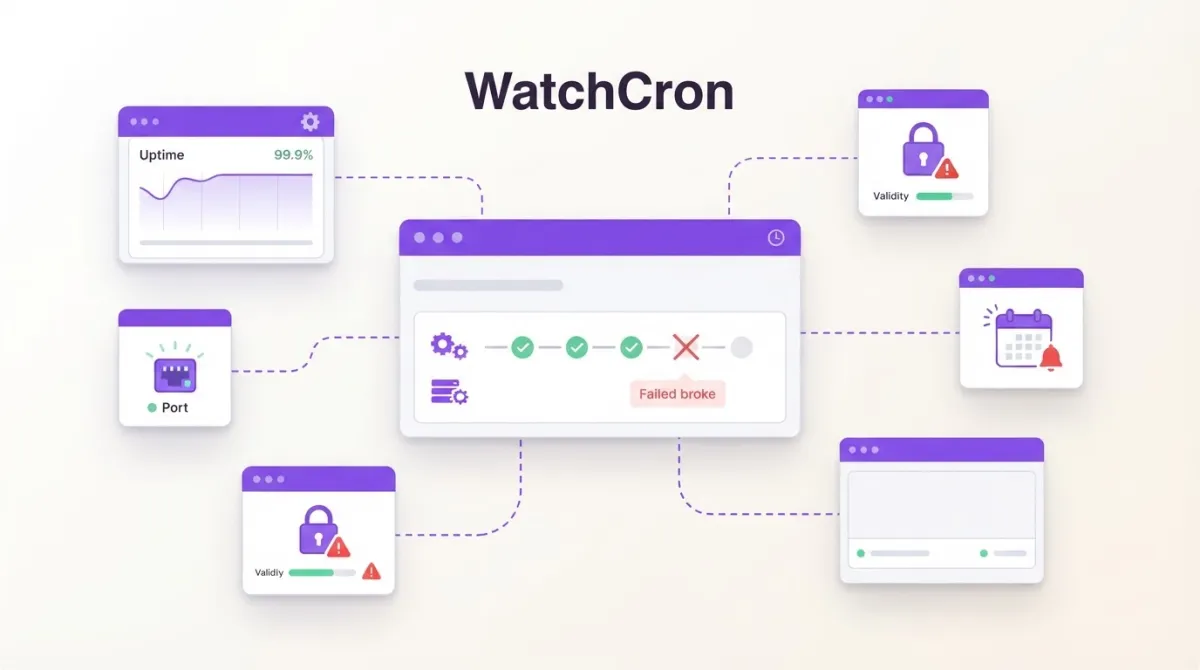
If you run cron jobs, you've been there: a job quietly stops working and nobody notices for days. Cron doesn't send alerts. It just fails silently. And when your client asks why their backups haven't been running since Tuesday — what do you say?
That's why I built WatchCron. It's a cron job monitoring service built around a simple idea, sometimes called a dead man's switch: your cron job pings a URL when it finishes. If the ping doesn't arrive on time, you get an alert. Think of it as heartbeat monitoring for every scheduled task in your infrastructure.
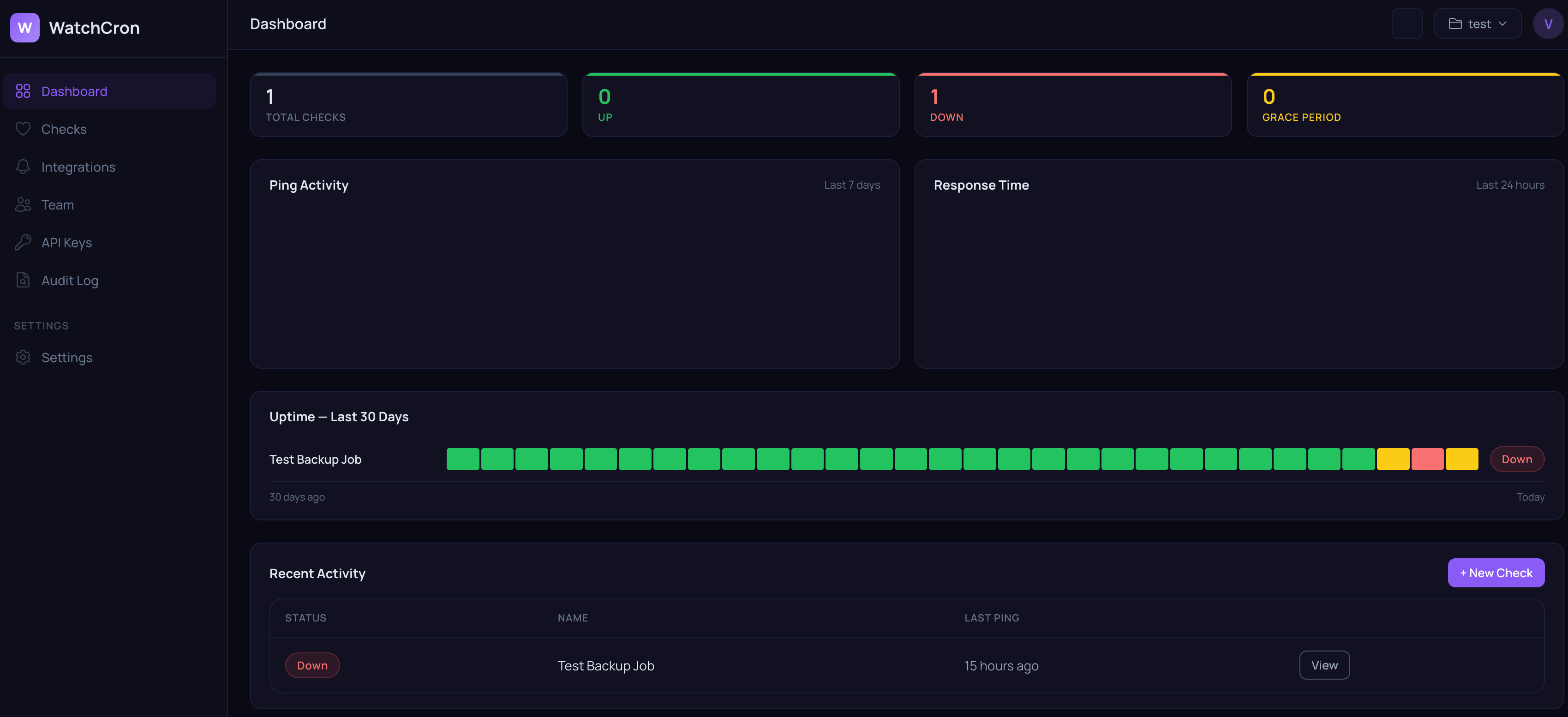
Setup takes about two minutes. All you need to do is create a check, get a URL, and add one line to your cron:
0 2 * * * /usr/local/bin/backup.sh && curl -fsS https://watchcron.com/ping/abc123That's it. If the job ran, we know. If it didn't, you know, and you get notified right away through whatever channel works for you.
There are already cron monitors on the market, but I tried to offer more for less money. New features will keep coming regardless of which plan you're on.
Alert channels
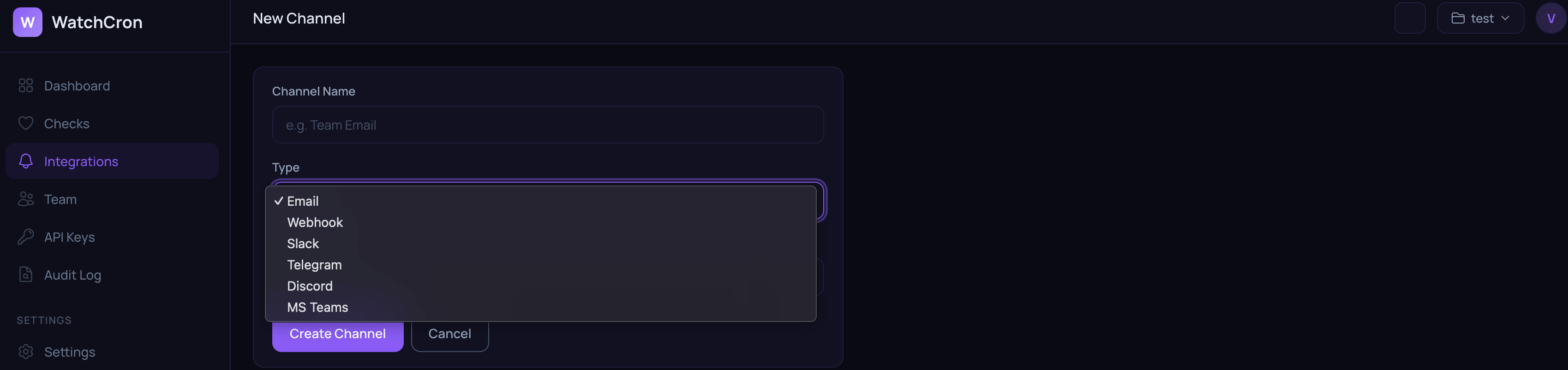
The service has popular notification channels built in. Alerts go to email, Slack, Telegram, Discord, Microsoft Teams, and webhooks on all plans. Higher tiers add SMS, PagerDuty, OpsGenie, and voice calls. You pick what works for you or your team. Alerts fire both on failure and on recovery, so you know when things are back to normal too.
Schedules and grace periods
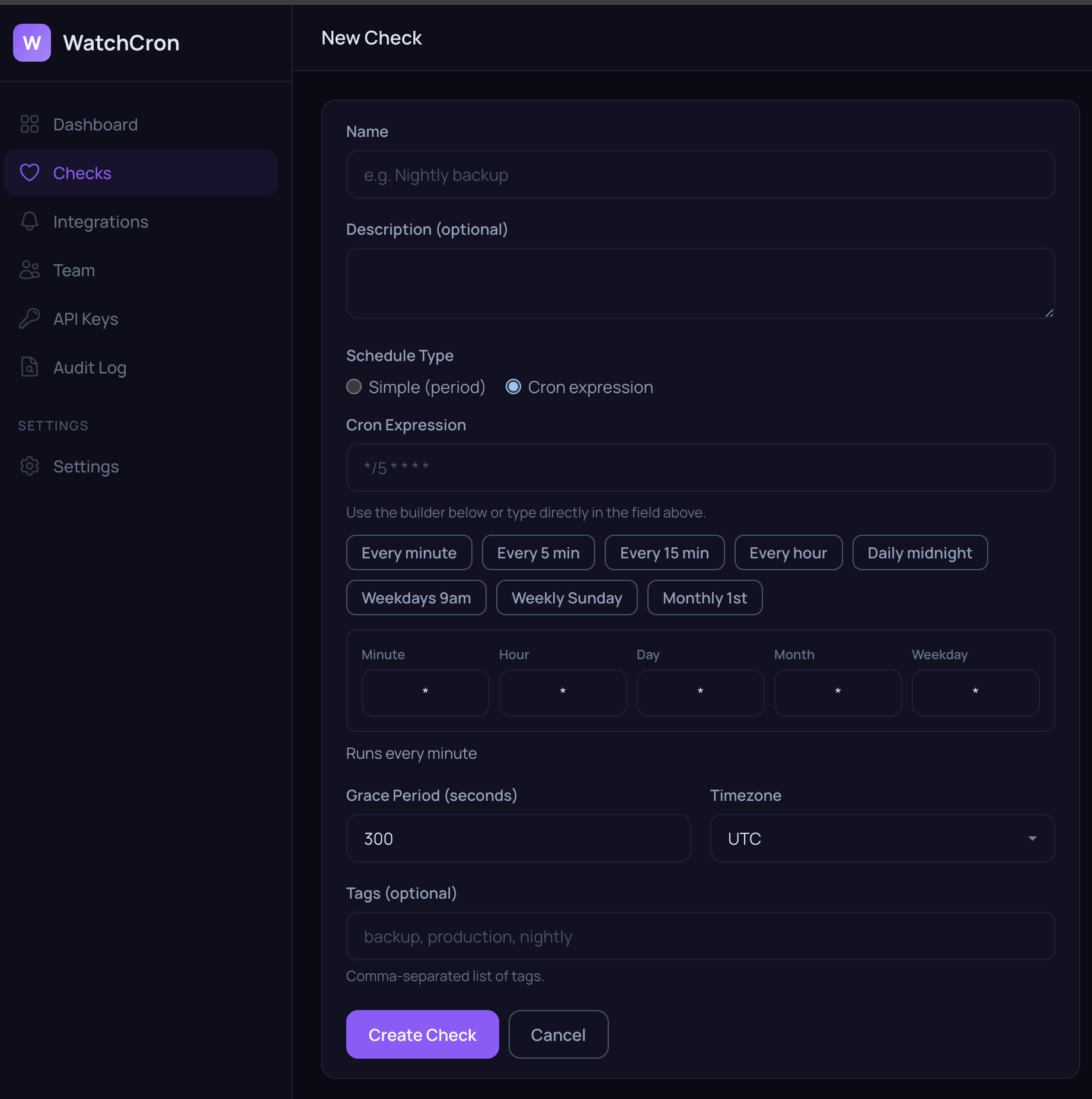
You can set an expected schedule (every hour, every day at 2am, every Monday) and define a grace period. If your backup usually takes 20 minutes, set a 30 minute grace period to avoid false alarms. We support standard cron expressions and human-readable intervals.
Works with any stack
Linux cron, systemd timers, Kubernetes CronJobs, GitHub Actions, Laravel scheduler, Django management commands, Node.js scripts. If it can make an HTTP request, it works with WatchCron. No SDK, no agents. It's just a URL.
REST API and status badges
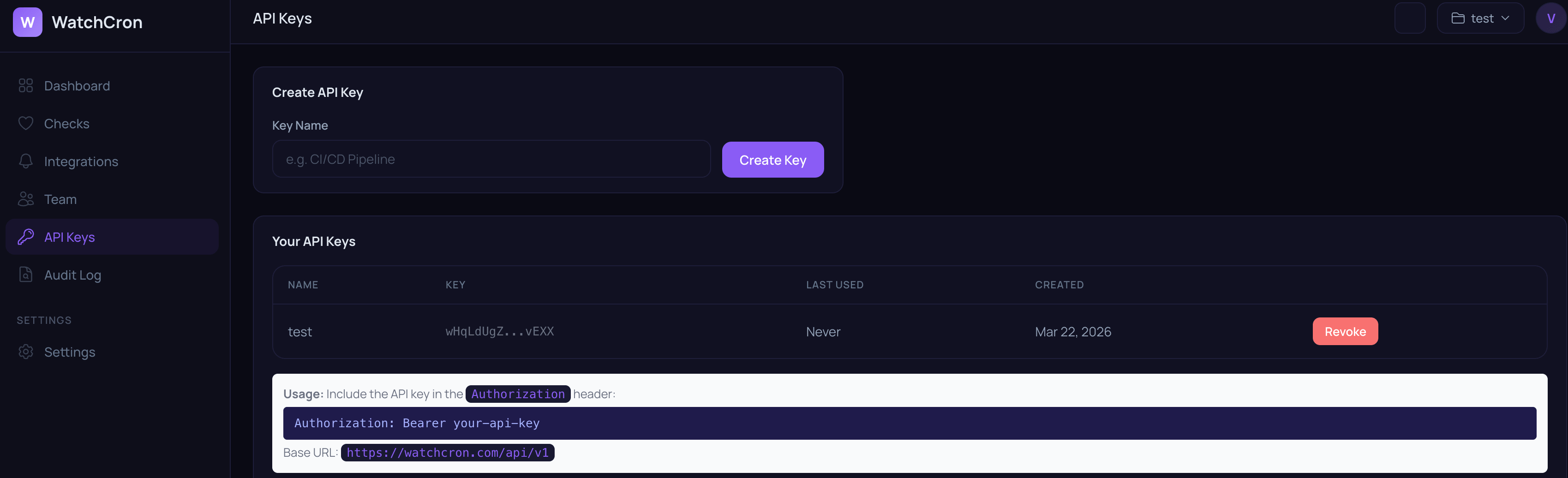
Everything you can do in the dashboard, you can do through the API. Create checks, list them, pause them, pull ping history. Useful if you're provisioning infrastructure with Terraform or Ansible and want monitoring to follow automatically.
Pricing
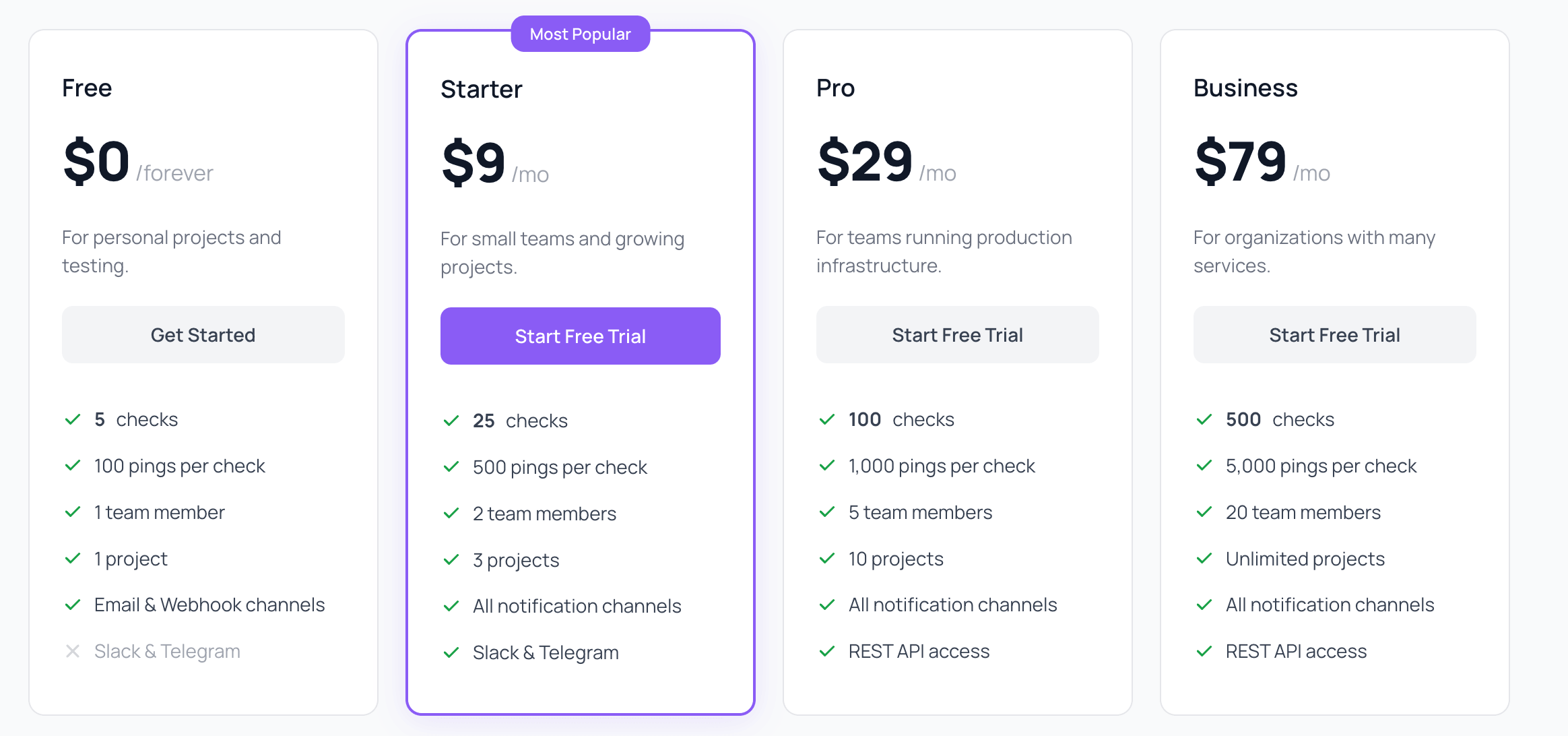
Free tier gives you 20 checks with unlimited pings, email and webhook alerts, 1 team member, and 1 project. Enough to monitor your most important jobs and see if it fits your setup.
$7/month gets you 75 checks with Slack, Telegram, Discord, and Teams alerts, 3 team members, and 5 projects.
The Pro plan runs $19/month for 250 checks, SMS plus PagerDuty and OpsGenie integrations, 10 team members, and 20 projects.
At the top end, Business is $49/month for 1000 checks with voice call alerts, unlimited team members and projects.
All paid plans come with a 14-day free trial, and you save up to 29% with annual billing.
More than cron monitoring
Cron job monitoring is where WatchCron started, but it's not the only thing it does. The same dashboard covers uptime monitoring, SSL certificate expiration, domain renewal tracking, port checks, and DNS blocklist monitoring. You can run public status pages for your users and manage incidents from one place.
If you need scheduled HTTP calls without managing your own server cron, Cloud Cron runs your jobs on our infrastructure and monitors them at the same time. One fewer thing to maintain.
Why build another cron job monitor?
Most cron monitors do one thing: ping tracking. WatchCron bundles cron monitoring with uptime, SSL, domains, ports, and status pages into one dashboard. Port and domain monitors are unlimited and don't count against your check limits. I wanted a single tool that covers the full stack without needing five different subscriptions.
What's next
The core product is ready and covers a lot of ground already. I'm focused on making the existing features deeper — better incident timelines, smarter alert routing, and more integration options. If something is missing, let me know.
Sign up at watchcron.com and start monitoring in under two minutes. Free tier, no credit card required.